
Model Version Analysis in Power BI: Frame and ACC/Forma Templates
Use Frame's version templates to compare completed local models or analyze synchronized ACC/Forma model history in Power BI.
Blog Topic
Autodesk Viewer, APS, Revit, Navisworks, ACC, Forma, and Data Exchange workflows for BIM teams.
Use Frame's version templates to compare completed local models or analyze synchronized ACC/Forma model history in Power BI.

Frame's alpha Excel workflow lets construction teams create location-based issues and markers in an Autodesk Viewer directly from the Frame Excel Add-in.

How Frame prepares large Revit models and Autodesk Forma data for Power BI with server-side model processing, compressed Parquet artifacts, reusable Assets and Properties queries, stable viewer IDs, and batched 3D operations.

A gallery-style walkthrough of six Power BI construction dashboard pages for BIM reviews: overview, model viewer, assets, object tree, quantity takeoff, and clash coordination.

A practical workflow for using a custom Autodesk Viewer-based BIM viewer inside Power BI reports, with large-model support, saved views, colors, markers, and model-to-report interaction.

A practical look at connecting Autodesk Forma and former ACC project data to custom Power BI BIM dashboards with large-model support, viewer extensions, issues, assets, and model properties.

A practical look at generating viewer-first BIM dashboards from natural language prompts using Vercel json-render, AI SDK, and Autodesk Platform Services Viewer.

Learn when to use local Revit uploads for Power BI BIM dashboards, how the workflow compares with ACC, and what a practical Frame report should include.

Compare Autodesk Data Exchange, Autodesk Data Connector for Power BI, scheduled ACC data extracts, custom APS workflows, and Frame's BIM dashboard templates.

A practical guide to Power BI templates for BIM dashboards, including Revit, IFC, ACC/Forma, Navisworks, model health, quantity takeoffs, and clash management.

Frame's Navisworks local clash template helps BIM coordinators turn local clash results into a clean Power BI dashboard for review meetings and progress tracking.

Frame now supports configurable embedded viewer links, making it easier to share BIM models with clients, partners, and project teams without giving everyone full dashboard access.

How Frame connects ACC models to Power BI and makes Line of Balance visualization possible, turning static schedules into live, navigable dashboards shaped around how the work actually happens.

How browser-based AI agents can handle tedious workflows in construction software without APIs or custom integrations. A practical look at automating Autodesk Forma with agent-browser and OpenCode.

Frame's updated Power BI BIM viewer improves performance, federated model support, interaction modes, 2D selection colors, toolbar UX, and saved viewer states.

If your BIM model changes, your Excel workflow should not break. Learn how to use the Frame Excel Add-in to load the updated model and refresh your existing table.

Work with federated views from Autodesk Construction Cloud Model Coordination in Frame and Power BI, including issue tracking, drill-through by child model, and ACC issue webhooks.

Compare Revit and BIM model versions in Power BI using Frame's file version control template to track changes, revisions, and design movement over time.
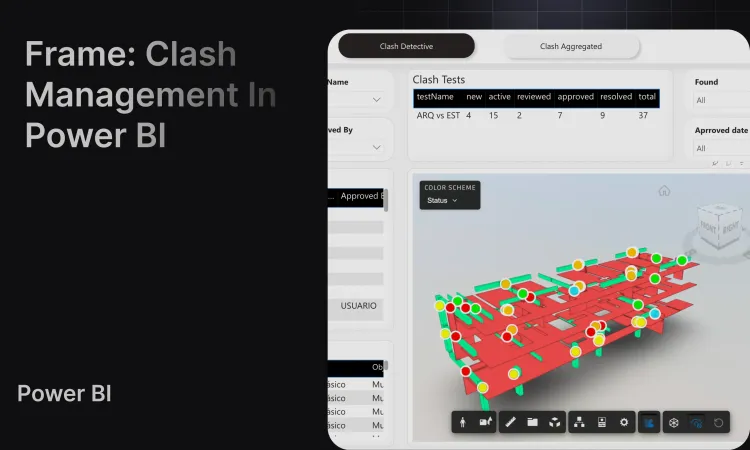
Build a clash dashboard in Power BI using Frame's Navisworks and Autodesk BIM template for coordination meetings, issue tracking, and model review.

Meet Talk to Your BIM by Frame. Our new AI feature that lets you query your Autodesk and BIM models with natural language. Accessible AI for construction planning and design.
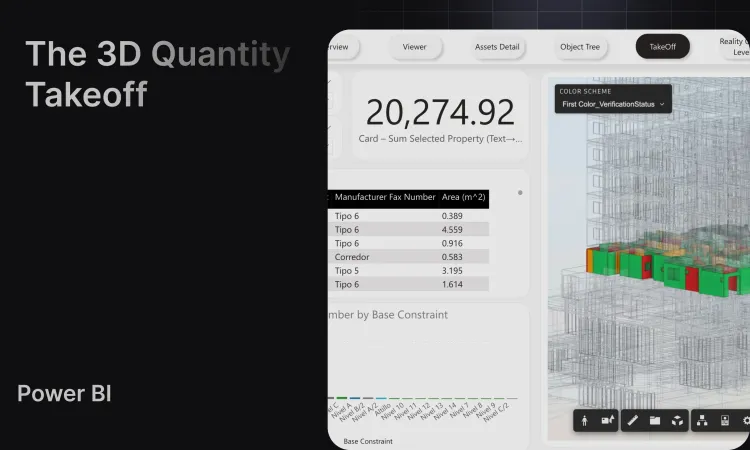
Create construction quantity takeoffs from Revit, ACC/Forma, and BIM model data in Power BI with Frame's QTO dashboard, clean datasets, and 3D viewer.
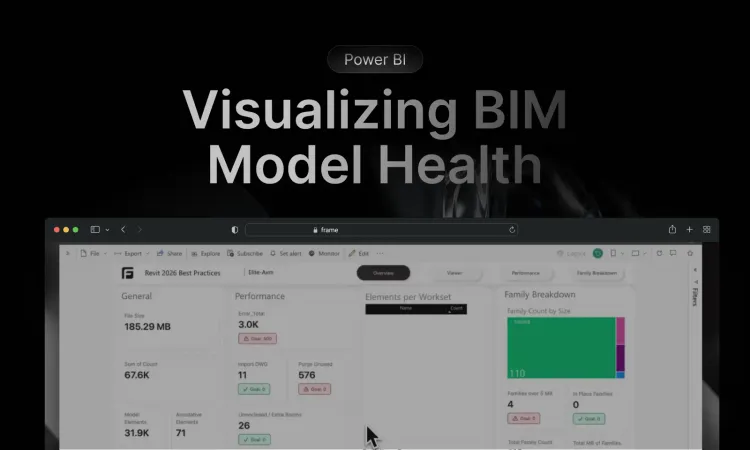
Reduce validation times and improve model quality. Learn how to visualize Autodesk Validation Tool results with our new 3D Health Dashboard Template.
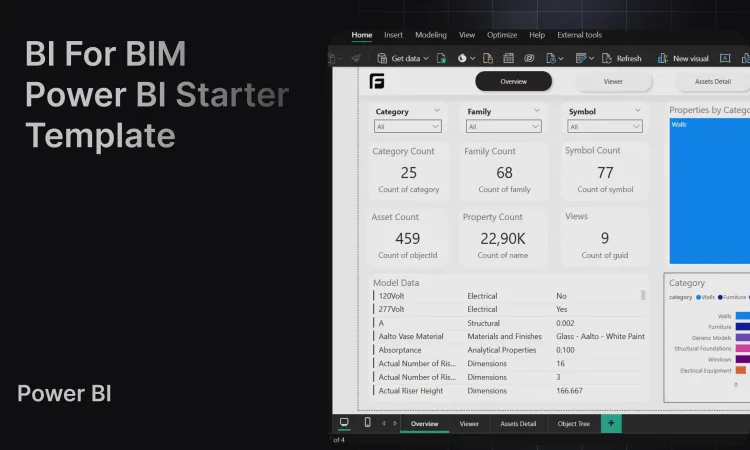
Create Power BI templates for construction dashboards, Revit, IFC, Navisworks, ACC/Forma, and BIM data with clean datasets and a custom 3D viewer.
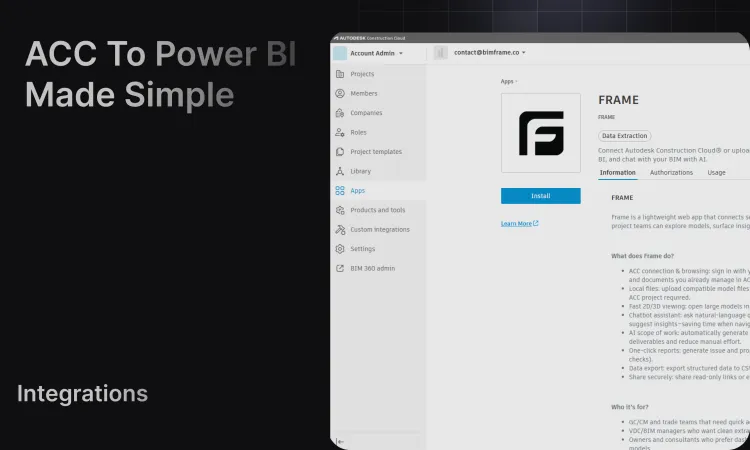
Learn how to connect Autodesk Forma, Autodesk Construction Cloud, ACC, and Revit model data to Power BI dashboards using Frame's BIM reporting workflow.
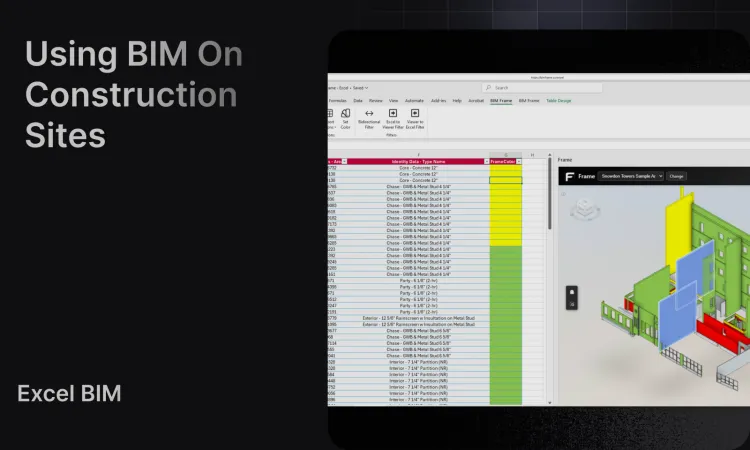
A practical guide for small to mid-size construction firms on extending BIM beyond design into the construction phase. Learn how Frame helps contractors bring BIM value to the field.
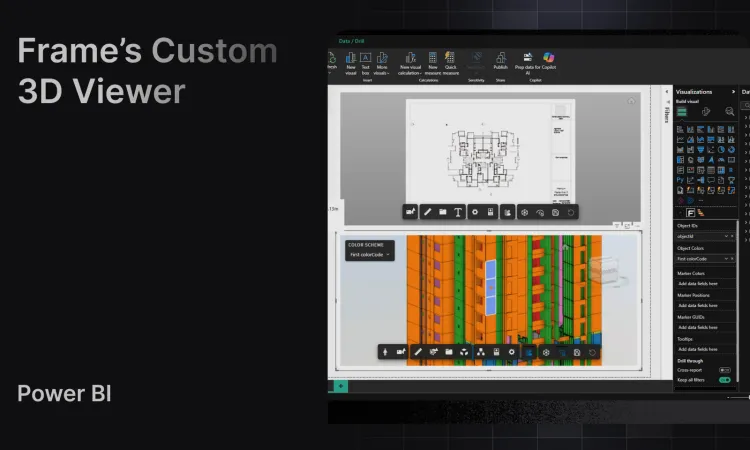
Embed interactive 3D BIM models in Power BI with Frame's custom viewer featuring bidirectional filtering and advanced analytics.
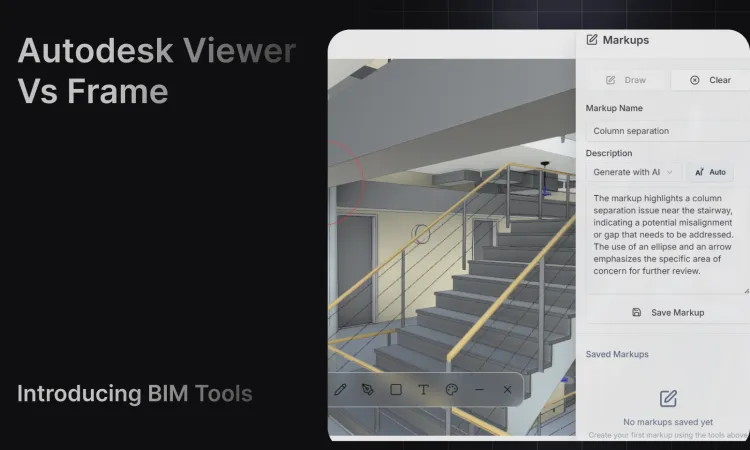
Learn how Autodesk Viewer works, where it is useful, and when BIM teams need Frame's viewer for Power BI, saved views, colors, markers, and model analytics.
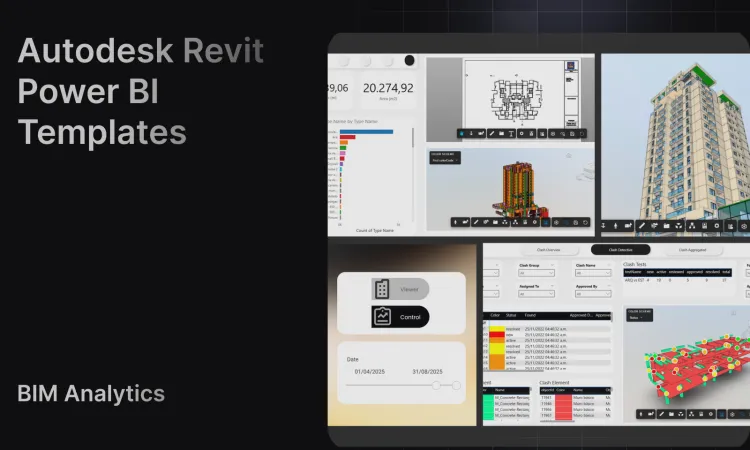
Create Revit Power BI dashboard templates with Frame's clean BIM datasets, custom viewer, ACC/Forma model workflows, and large-model reporting support.
View and edit BIM data inside Excel using Frame's add-in for smarter workflows and faster decisions.
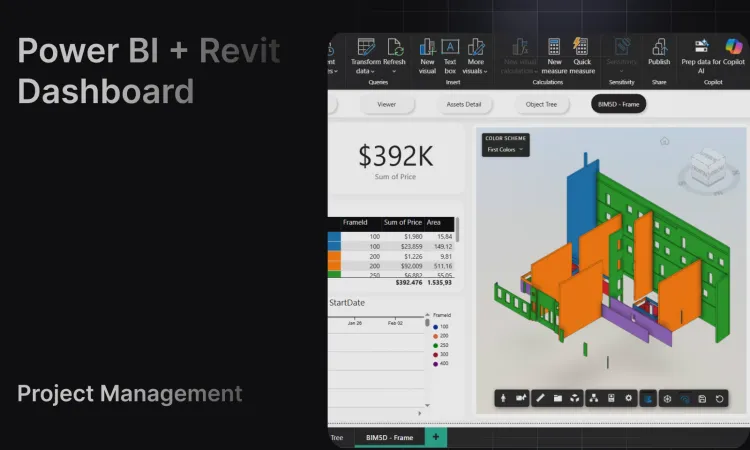
Complete guide to building Revit Power BI dashboards. Compare tools, learn best practices, and transform BIM model data into construction insights.

Transform your Revit models into powerful digital twins by connecting BIM data to Power BI. Create interactive 3D dashboards with Frame's ready-made templates.

Learn how to connect your BIM model to Excel using Frame's integration.
Ask questions in plain language and get instant, accurate answers from your BIM models. Frame's AI democratizes BIM data for every project stakeholder.
A step-by-step guide to configure your Autodesk Platform Services credentials with Frame