Why we rebuilt AI in Frame around the viewer
Frame's first AI answered questions from a query sandbox. The new Frame agent drives the 3D viewer with commands, keeps your conversation in the browser and runs on frontier models from OpenAI and Anthropic. Here's what we learned and why we think it's a better experience.

Frame Team
When we first designed AI in Frame, we thought we had it figured out. You typed a question about your model, Frame turned it into a query, and the query ran in a sandbox built for exactly one job: crunching the large property datasets that BIM models produce. Big models, millions of property rows, real answers. It felt bulletproof.
It wasn’t, at least not where it mattered most. The engine was fine. The conversation around it wasn’t.
This week we replaced that chat with the Frame agent: a panel docked next to the 3D viewer, where an AI works on the model you have open, one visible command at a time. This post is about why we made that change, what we think makes it a better experience, and the principles we’re holding ourselves to as we build it out.
(If you want the practical details, such as plans, credits and the MCP server, start with the launch post, then come back for the why.)
What went wrong with the chat
Our old assistant was a good query writer. Give it a precise question (“how many doors are there per type?”) and it would usually come back with a table and a chart. But real questions about a model are rarely precise:
- “What’s going on with the doors on level 1?”
- “Is anything missing a fire rating?”
- “Show me the structure.”
For prompts like these, the chat had essentially one move: write a query and run it. If that query didn’t match how your model was actually authored (a parameter named differently, a level called “L01” instead of “Level 1”, a category the query didn’t expect), you got an empty table. Then you rephrased and tried again. That back-and-forth was the experience, and it wasn’t a good one.
The deeper problem was that the AI never got to look before it answered. It didn’t know your levels, your categories or your parameter names until a query failed. A person opening the same model would spend ten seconds clicking around first. The AI couldn’t.
Give the AI the viewer, not a query box
So we stopped asking the model to get it right in one query and gave it the same
tools you have, as a viewer command it can run step by step.
The agent works in a small workspace in your browser, and the viewer command is
how it reaches the model on screen. It can list the levels and categories, find
elements, read their properties, isolate, hide and colour them, cut sections,
move the camera, measure, pin notes, read sheet text, take screenshots and run
queries over the whole property database.
Here’s what changes in practice. The AI explores before it commits:
> How many doors are there per type?

  Ran ls -la .
  Ran cat README.md; viewer --help; viewer info
  Ran viewer find --category Doors; viewer props @last --filter "Type Name" --limit all

  There are 16 doors across 5 types in the current model.
It checks what the model is, finds out what the doors are actually called, and reads the one property that answers the question. When a search comes back empty it doesn’t stop. It looks at the levels, tries the other spelling, or searches the properties for something close, the way you would. Vague prompts become concrete because the AI can resolve them against your model as it goes, not against a guess.
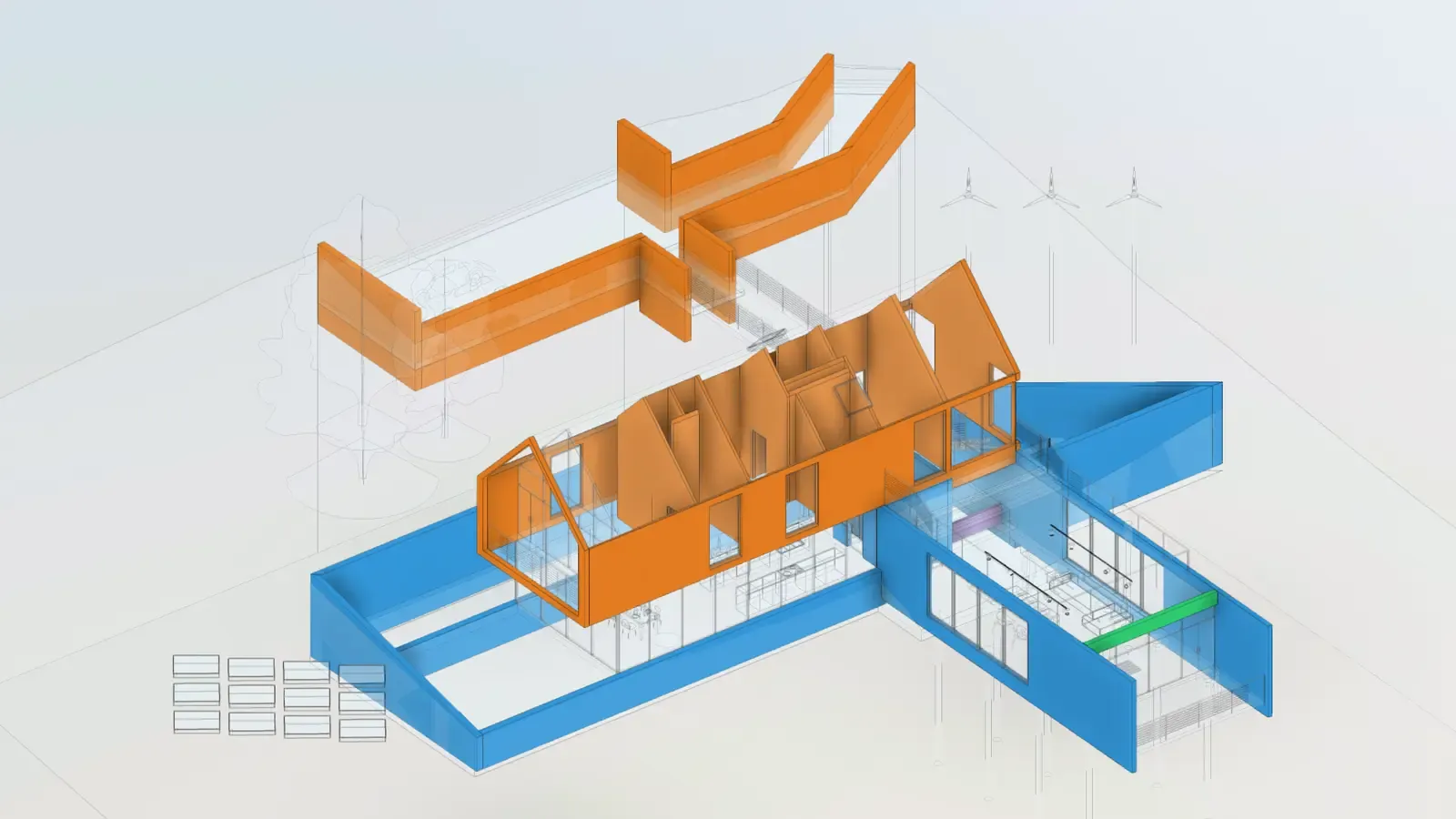
“Isolate the walls and colour them by level.” Five commands, 18 seconds: the agent found the levels, read each wall’s base constraint, then isolated and coloured the walls in the viewer.
The other change is that the answer isn’t only text. When you ask for the walls by level, you get the walls, isolated and coloured in the viewer. It’s the same state you would reach by hand, using the same viewer tools, so you can keep working from it.
What we think good AI UX looks like here
We kept a short list of principles on the wall while building this. They’re also how we’ll judge what we build next.
Show the work. Every command the agent runs is printed in the panel, with its
result. If it tells you there are 16 doors, the find and props behind that
number are right above it. You can check a count before you put it in a report.
Work on what you’re looking at. The agent works on the model open in the viewer, and it knows what you’ve selected. Select three beams and ask “what are these?”, or select nothing and ask about the whole model.
Leave the model in a useful state. Isolations, colours, sections and camera moves are real viewer state. When the agent is done, you aren’t reading about the result. You’re looking at it.
Don’t make you wait on big models. A long query keeps running in the background and the agent checks back on it, instead of timing out. We tested on a structural tower with 782,017 elements, where one query over the full property database counted every element by category in about half a minute.
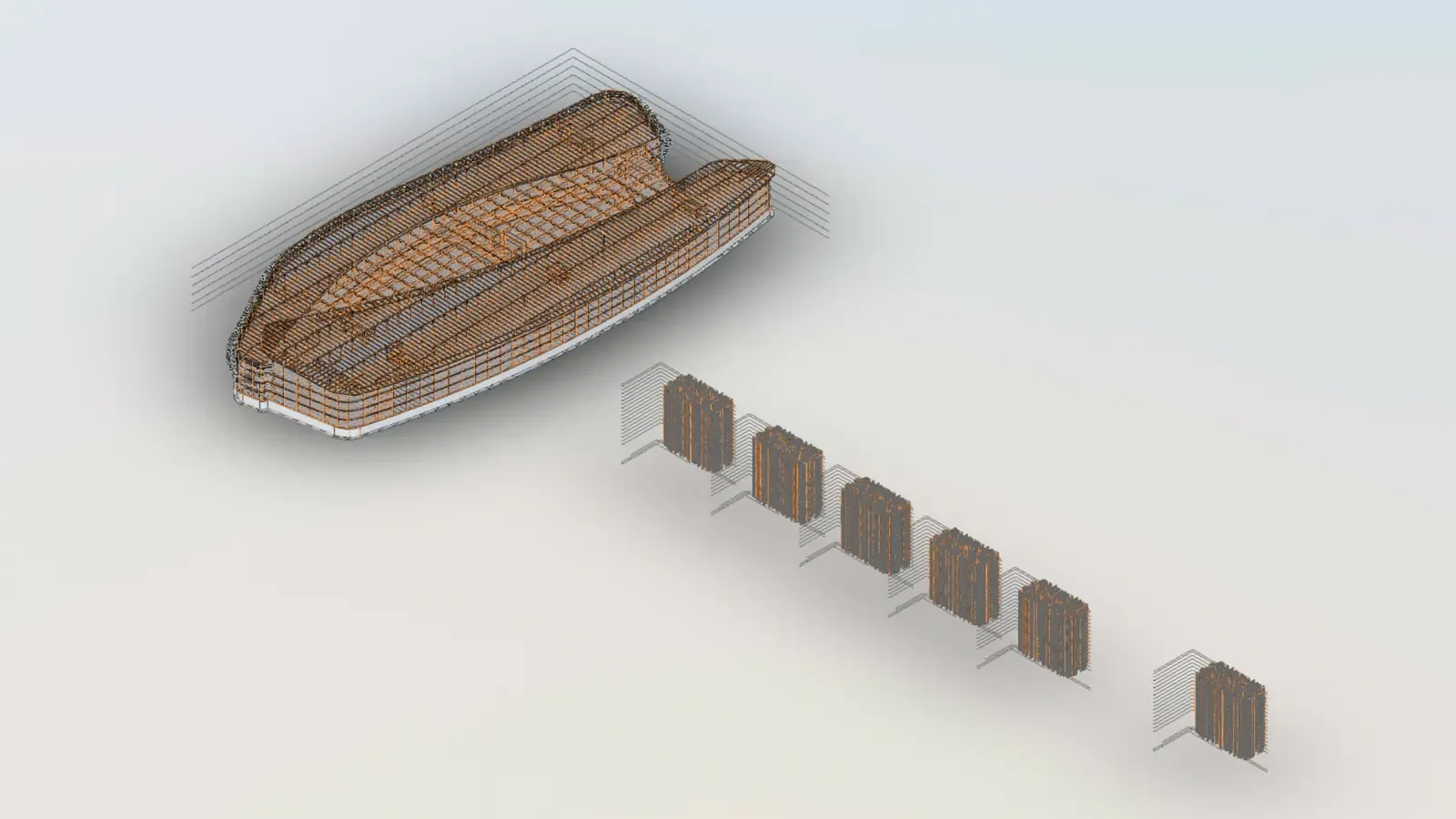
“Count the elements per category” on TORRE B. One sandboxed query over the full property database, 31 seconds.
Be honest about cost. AI is now billed by what it actually costs, against a monthly allowance included in every paid plan. The panel shows how much of it you’ve used as a percentage, and most requests use 1 to 5 credits.
Keep it in the browser
There’s a second reason we rebuilt AI the way we did, and it’s about trust.
Frame models are often under NDA. People are rightly careful about where model data goes, and “we store your AI conversations on our servers” is not a sentence anyone wants to read. So we designed the agent to need as little from our servers as possible:
- The agent runs in your browser. Its workspace, the viewer commands and the property queries all run in your tab. Queries run in an isolated sandbox with no access to the page or the network.
- Frame’s server is a gate, not a store. It checks that you’re signed in and on a plan with the agent, allows only the models we’ve approved, and forwards the request. It doesn’t keep the conversation. What we do keep is a usage log (who, which model, tokens, cost and time) for billing, for 13 months.
- Providers don’t keep it either. Requests reach OpenAI and Anthropic with zero data retention, and they don’t train on your prompts or model data.
- Close the panel and it’s gone. The conversation lives in the tab. All that stays on your device is your model choice and recent prompts, so the up arrow works.
Our old chat saved conversations on our servers. The new agent doesn’t need to.
Frontier models, and a choice between them
The agent runs on two frontier models, one from each of the labs we trust most for this kind of work:
- GPT-6.1 Sol from OpenAI, the default. It’s fast and economical for the short, many-step loops viewer work involves.
- Claude Sonnet 5.5 from Anthropic, when you want a second opinion or a different style of reasoning on a harder question.
Switch between them with /model in the panel. Both are behind the same zero
data retention terms, and both are billed at their real cost. We’ll add newer
models as they ship, rather than locking you into whatever was current when you
signed up.
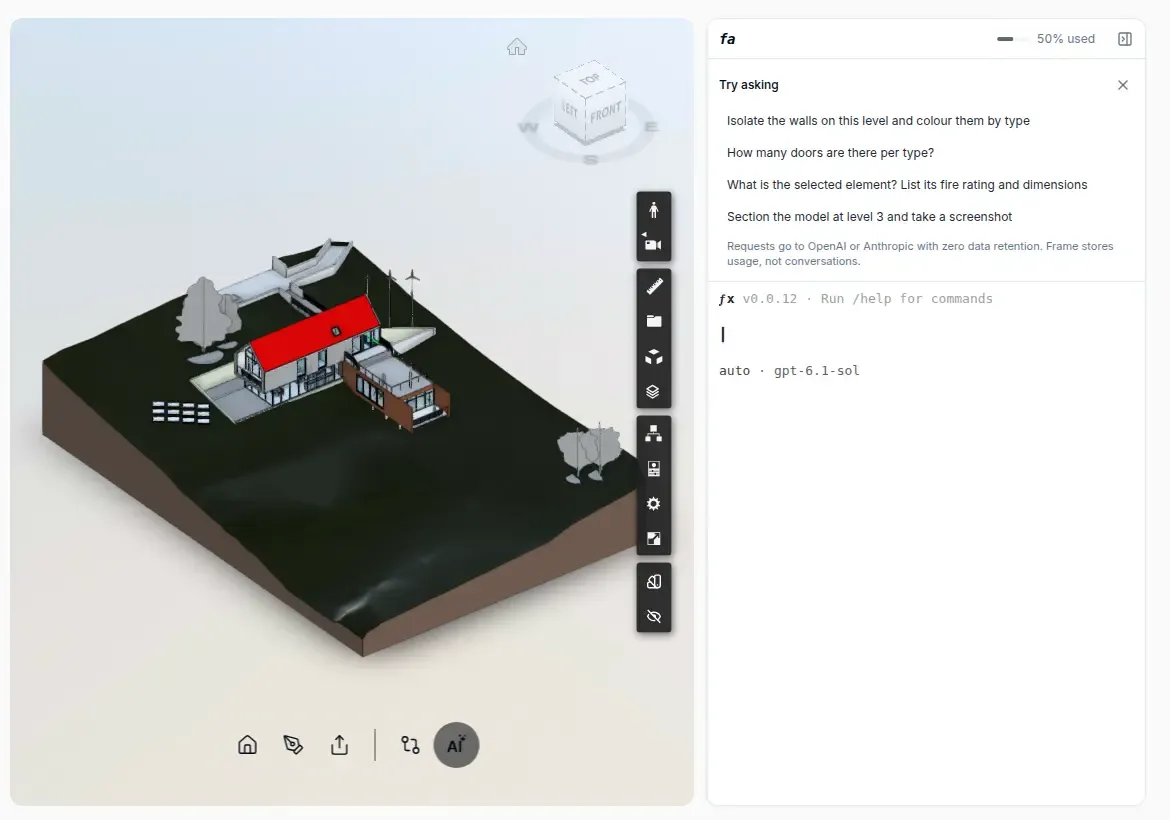
The panel sits next to the viewer. Example requests get you started, and the meter shows how much of this month’s AI allowance you’ve used.
What it doesn’t do yet
We’d rather say this plainly than have you find out:
- It works on single Autodesk-processed models. Federated and ACC Model Coordination models, IFC models processed by the Frame engine, and phones are next.
- It can’t see images yet. It can take a screenshot of the viewer, but it can only read text, so it can’t look at the picture, and you can’t paste a photo into it.
- Conversations aren’t saved between sessions, by design for now. We want to add saving without giving up on keeping your data out of our servers.
Frequently asked questions
Why a terminal and not a chat window? Because the agent’s work is a sequence of commands, and a terminal shows that sequence honestly. A chat bubble hides the steps behind a summary. You don’t need to know any commands to use it, though: you type in plain language, the same as before.
Is my conversation stored anywhere? Not on Frame’s servers, and not by the AI providers. It lives in your browser tab until you close the panel. Frame keeps a usage log for billing, without the content.
What does it cost? Every paid plan includes a monthly AI allowance, from 700 credits on Starter to 3,000 on Business. One credit is one cent of real model cost, and most requests use 1 to 5 credits.
I already use Claude or ChatGPT. Do I have to use the agent? No. Frame also runs an MCP server, so you can connect your own AI app to your model datasets on every plan, including Free, without using any credits. The setup guide has the details.
Does it change my model? It changes what you see in the viewer: visibility, colours, sections and the camera. It can’t edit, upload or delete your models.
See it for yourself
We built the first AI in Frame to answer questions. We built the Frame agent to work alongside you on the model, out in the open, without holding on to your data.
Open a model in the dashboard, open the agent next to the viewer and ask it something vague. That’s where the difference shows.
Related Frame posts: