Embedded Viewer Links for Sharing BIM Models
Frame now supports configurable embedded viewer links, making it easier to share BIM models with clients, partners, and project teams without giving everyone full dashboard access.

Frame Team
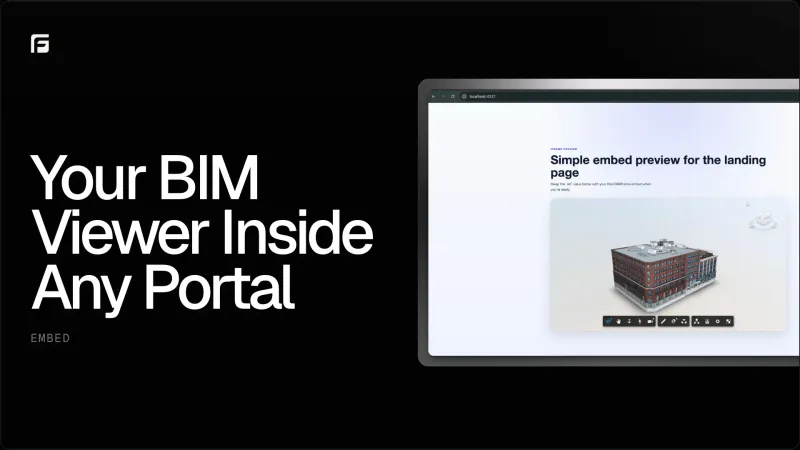
Share the model without sharing the whole workspace
Not everyone who needs to see a BIM model needs full access to your Frame dashboard.
Sometimes you need to send a client a focused view. Sometimes a partner needs to inspect geometry without touching reports, uploads, or automation settings. Sometimes the model needs to live inside another portal, project page, or internal dashboard.
That is why we added embedded viewer links to Frame.
With embedded links, teams can create a controlled viewer URL for a model and use it outside the main application. The result is a simpler way to share 3D model context while keeping the rest of the workspace protected.
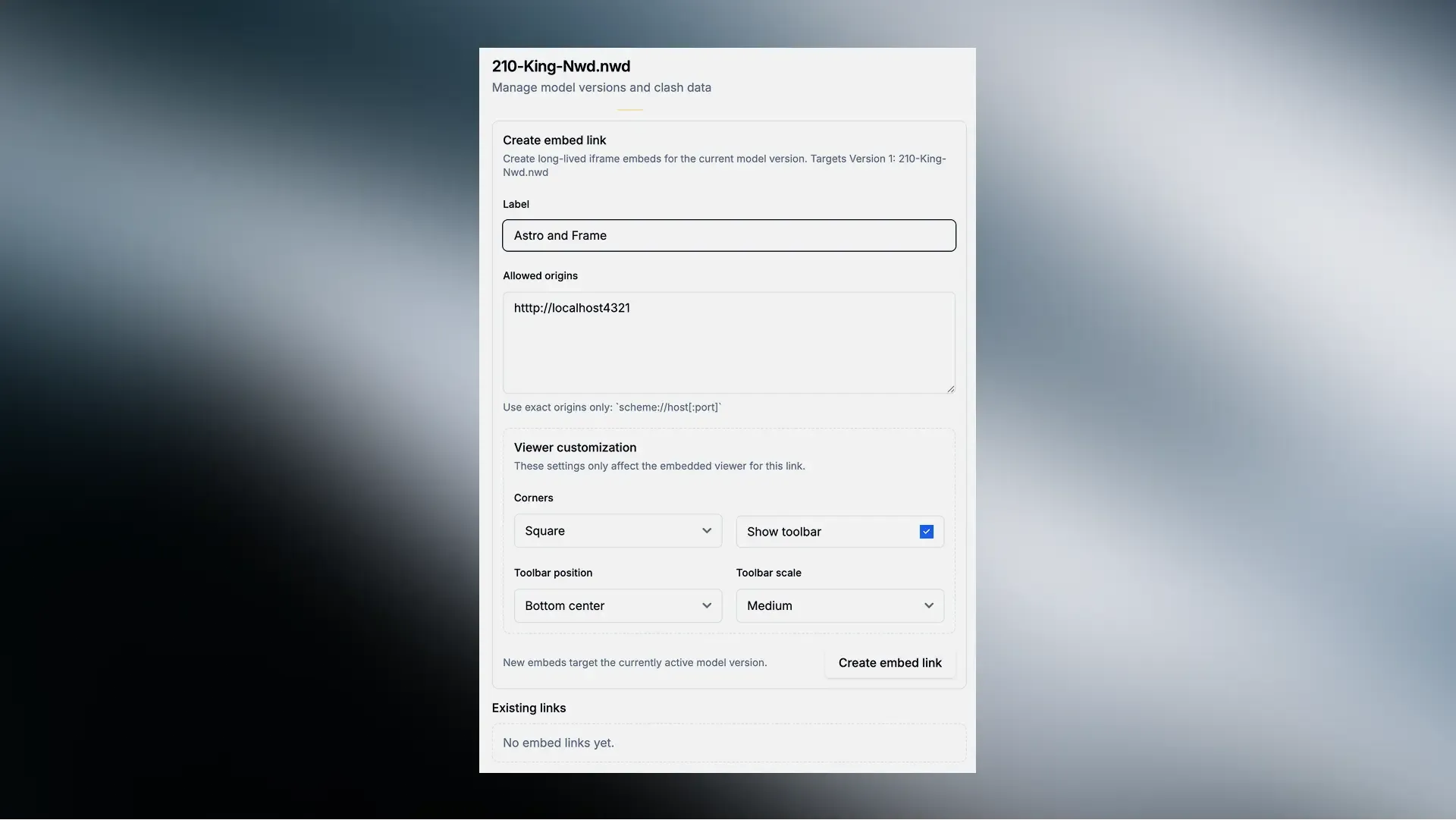
Create an embed link from the model drawer, define the allowed origin, and customize how the viewer appears before sharing it.
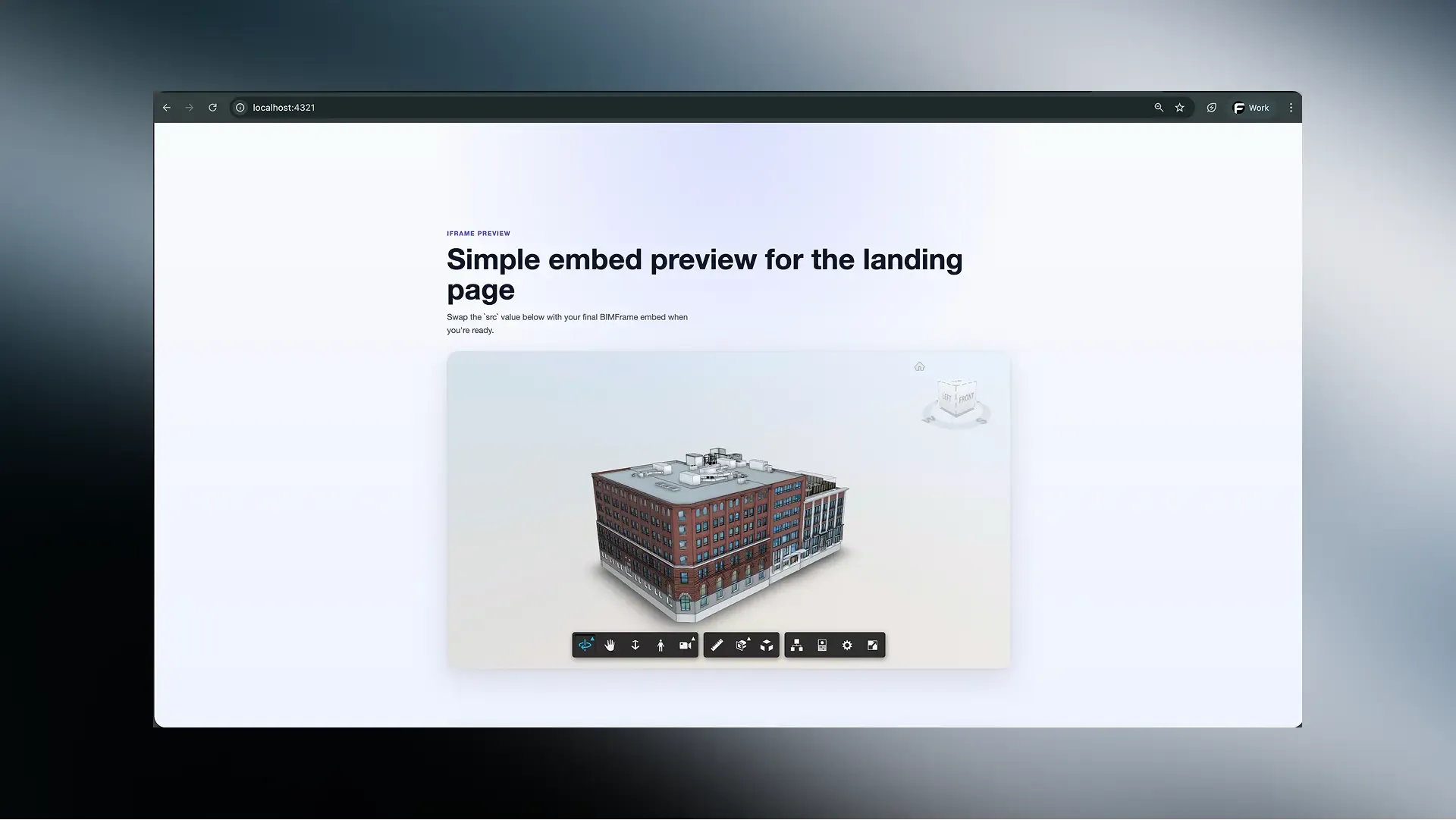
Place the read-only BIM viewer inside a portal, landing page, or internal dashboard while keeping the full Frame workspace private.
What embedded viewer links do
Embedded viewer links create a lightweight, read-only model viewing experience.
They are designed for situations where the model needs to be accessible, but the full Frame interface would be too much. Instead of asking every stakeholder to sign in, navigate the dashboard, and find the right model, you can give them a focused viewer experience.
The embedded viewer supports:
- Configurable viewer settings so the shared experience can match the use case.
- Session token handling for a more secure embedded flow.
- Access validation so links only work where they are supposed to.
- Link management from the model drawer so users can create, update, and revoke links from the same place they manage the model.
For enterprise embed-only accounts, Frame also hides unrelated automation controls, keeping the interface focused on the viewer workflow.
Where this helps
Embedded links are useful anywhere the model needs to be part of another workflow.
Common examples include:
- Client-facing portals where a model needs to be visible next to project information.
- Internal dashboards that combine BIM context with schedule, cost, or asset data.
- Coordination pages where users need a quick visual reference.
- Stakeholder reviews where read-only access is safer than full dashboard access.
The goal is not to replace the full Frame dashboard. It is to make the model easier to place where the conversation is already happening.
Why it matters
BIM data is most useful when people can actually reach it.
If viewing a model requires too many steps, many stakeholders fall back to screenshots, PDFs, or outdated exports. Embedded viewer links reduce that friction by making the model easier to share in a controlled way.
For teams using Frame to connect Autodesk, Power BI, Excel, and BIM workflows, this gives the 3D viewer one more place to live: directly inside the tools and portals where project teams already work.
Final thought
Embedded viewer links are a small feature with a big practical impact.
They make Frame more flexible as a model-sharing layer, especially for teams that need to expose BIM context without exposing the full workspace. If you are building dashboards, portals, or client-facing review pages, embedded links give you a cleaner way to bring the model with you.
If you want to learn more about Frame’s viewer workflows, see our post on the new Power BI BIM viewer launch or our guide to sharing Power BI dashboards with 3D models.