
Improving Large BIM Models in Power BI
Frame Power BI Viewer 0.8.5.7 adds adaptive model loading, WebGPU support, navigation controls, persistent viewer settings, and fixes for filtered and saved views.
Blog Topic
Viewer-first BIM workflows for Autodesk Viewer, APS Viewer, Frame Viewer, embedded links, and model review.
Frame Power BI Viewer 0.8.5.7 adds adaptive model loading, WebGPU support, navigation controls, persistent viewer settings, and fixes for filtered and saved views.

Process an IFC file with Frame's engine, explore it in the included viewer, and start a Power BI report from the Free plan's IFC starter template.

Frame's alpha Excel workflow lets construction teams create location-based issues and markers in an Autodesk Viewer directly from the Frame Excel Add-in.

How Frame prepares large Revit models and Autodesk Forma data for Power BI with server-side model processing, compressed Parquet artifacts, reusable Assets and Properties queries, stable viewer IDs, and batched 3D operations.

A gallery-style walkthrough of six Power BI construction dashboard pages for BIM reviews: overview, model viewer, assets, object tree, quantity takeoff, and clash coordination.

A practical workflow for using a custom Autodesk Viewer-based BIM viewer inside Power BI reports, with large-model support, saved views, colors, markers, and model-to-report interaction.

A practical look at connecting Autodesk Forma and former ACC project data to custom Power BI BIM dashboards with large-model support, viewer extensions, issues, assets, and model properties.

The latest Frame Excel Add-in release brings export from visible elements, offline model preparation, a redesigned ribbon, and taskpane improvements for BIM teams.

A practical look at generating viewer-first BIM dashboards from natural language prompts using Vercel json-render, AI SDK, and Autodesk Platform Services Viewer.

Frame now supports configurable embedded viewer links, making it easier to share BIM models with clients, partners, and project teams without giving everyone full dashboard access.

Frame's updated Power BI BIM viewer improves performance, federated model support, interaction modes, 2D selection colors, toolbar UX, and saved viewer states.
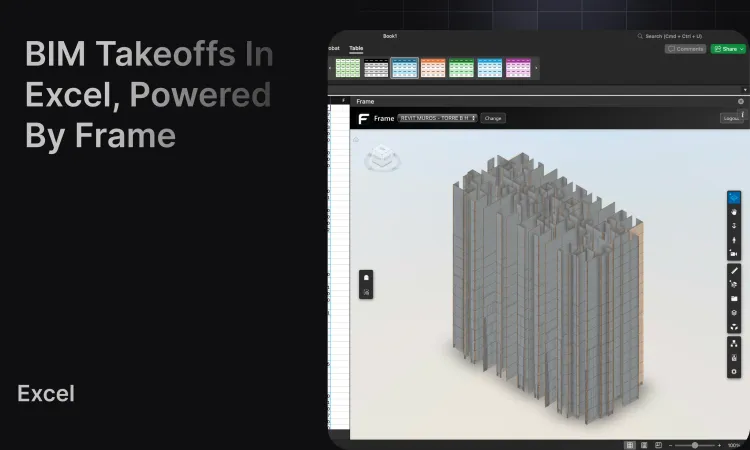
Build fast quantity takeoffs by exporting Frame model data to Excel, creating pivot tables, and validating totals with live 3D selection for BIM teams.
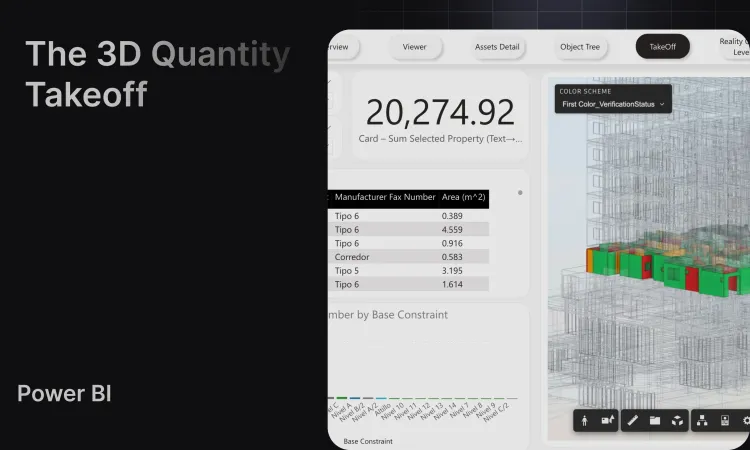
Create construction quantity takeoffs from Revit, ACC/Forma, and BIM model data in Power BI with Frame's QTO dashboard, clean datasets, and 3D viewer.
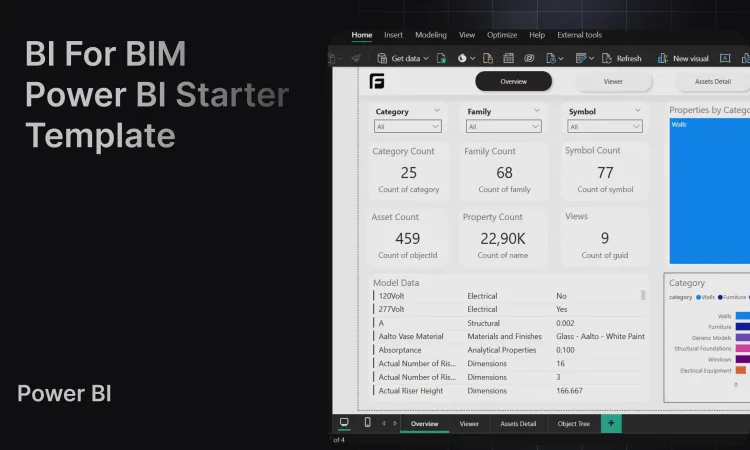
Create Power BI templates for construction dashboards, Revit, IFC, Navisworks, ACC/Forma, and BIM data with clean datasets and a custom 3D viewer.
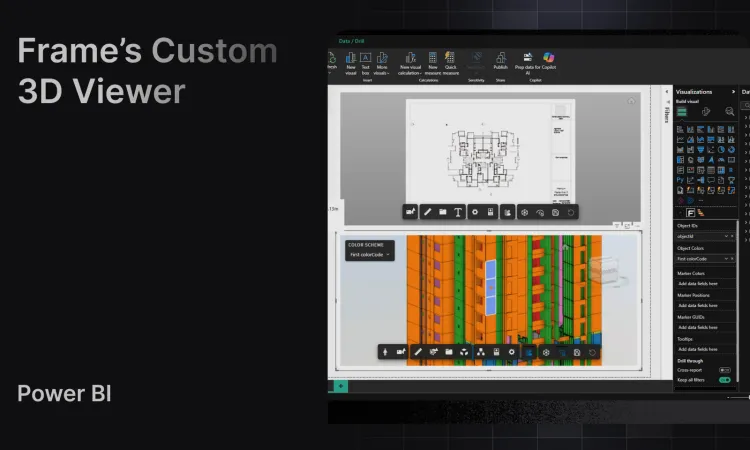
Embed interactive 3D BIM models in Power BI with Frame's custom viewer featuring bidirectional filtering and advanced analytics.
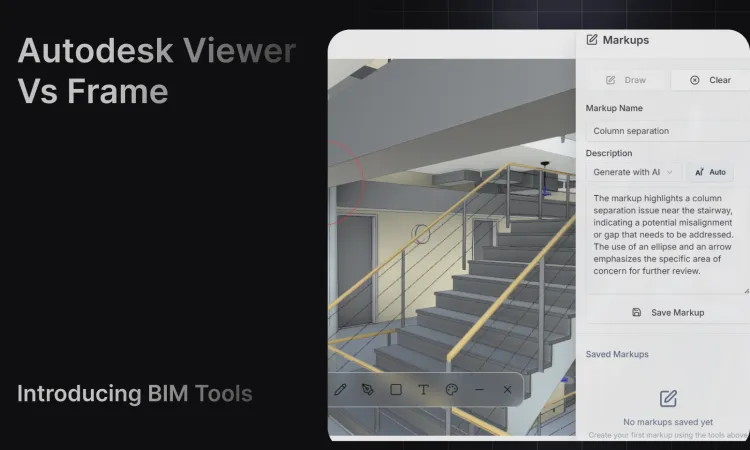
Learn how Autodesk Viewer works, where it is useful, and when BIM teams need Frame's viewer for Power BI, saved views, colors, markers, and model analytics.
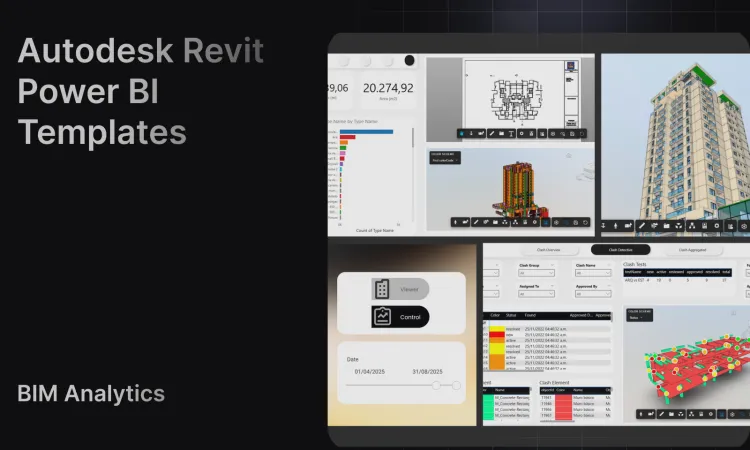
Create Revit Power BI dashboard templates with Frame's clean BIM datasets, custom viewer, ACC/Forma model workflows, and large-model reporting support.