
Power BI Templates for BIM Dashboards: Revit, ACC, and Navisworks
A practical guide to Power BI templates for BIM dashboards, including Revit, IFC, ACC/Forma, Navisworks, model health, quantity takeoffs, and clash management.
Notes from the Frame team on BIM analytics, Power BI templates, Autodesk workflows, ACC/Forma data, and model review.
A practical guide to Power BI templates for BIM dashboards, including Revit, IFC, ACC/Forma, Navisworks, model health, quantity takeoffs, and clash management.

Frame's Navisworks local clash template helps BIM coordinators turn local clash results into a clean Power BI dashboard for review meetings and progress tracking.

Frame now supports configurable embedded viewer links, making it easier to share BIM models with clients, partners, and project teams without giving everyone full dashboard access.

How Frame connects ACC models to Power BI and makes Line of Balance visualization possible, turning static schedules into live, navigable dashboards shaped around how the work actually happens.
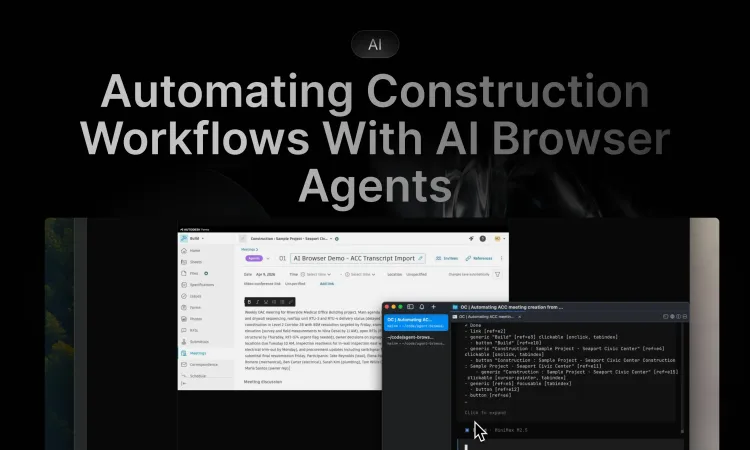
How browser-based AI agents can handle tedious workflows in construction software without APIs or custom integrations. A practical look at automating Autodesk Forma with agent-browser and OpenCode.

Frame's updated Power BI BIM viewer improves performance, federated model support, interaction modes, 2D selection colors, toolbar UX, and saved viewer states.

If your BIM model changes, your Excel workflow should not break. Learn how to use the Frame Excel Add-in to load the updated model and refresh your existing table.

Work with federated views from Autodesk Construction Cloud Model Coordination in Frame and Power BI, including issue tracking, drill-through by child model, and ACC issue webhooks.

Compare Revit and BIM model versions in Power BI using Frame's file version control template to track changes, revisions, and design movement over time.

See how BIM models, Power BI, and Frame can support forensic analysis, evidence tracking, and clearer dispute resolution in construction projects.
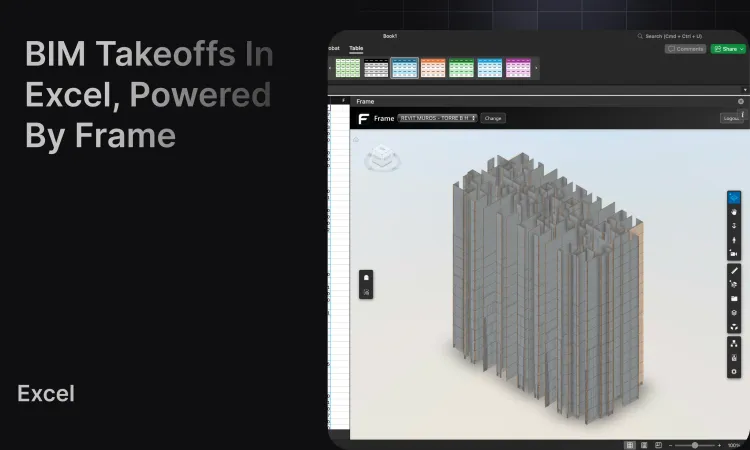
Build fast quantity takeoffs by exporting Frame model data to Excel, creating pivot tables, and validating totals with live 3D selection for BIM teams.
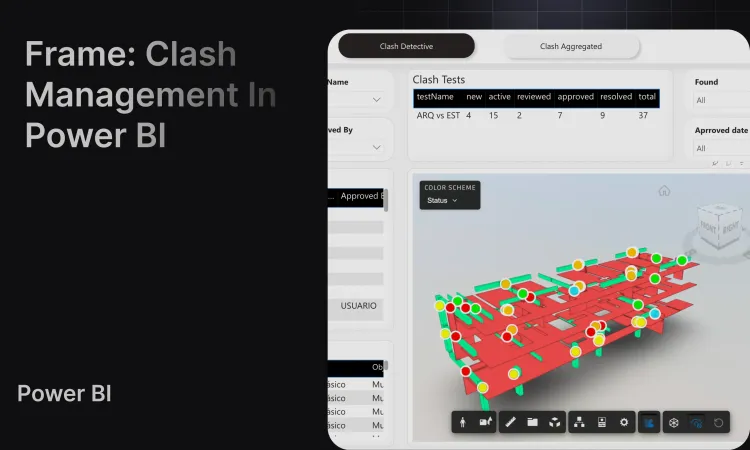
Build a clash dashboard in Power BI using Frame's Navisworks and Autodesk BIM template for coordination meetings, issue tracking, and model review.