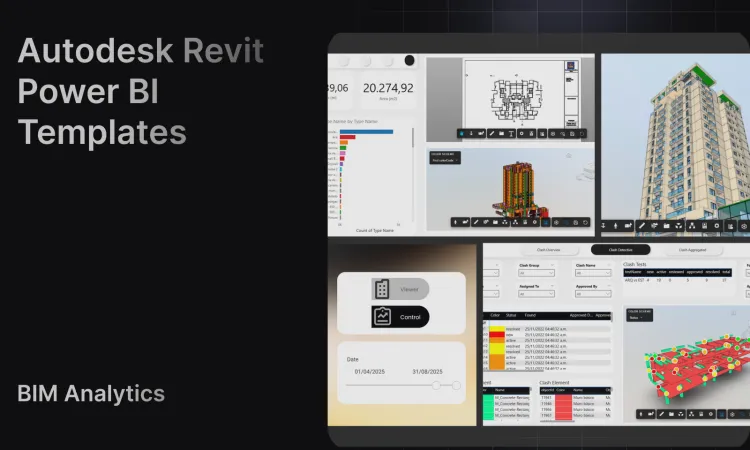
Revit Power BI Dashboard Templates for Autodesk BIM Teams
Create Revit Power BI dashboard templates with Frame's clean BIM datasets, custom viewer, ACC/Forma model workflows, and large-model reporting support.
Notes from the Frame team on BIM analytics, Power BI templates, Autodesk workflows, ACC/Forma data, and model review.
Create Revit Power BI dashboard templates with Frame's clean BIM datasets, custom viewer, ACC/Forma model workflows, and large-model reporting support.

View and edit BIM data inside Excel using Frame's add-in for smarter workflows and faster decisions.
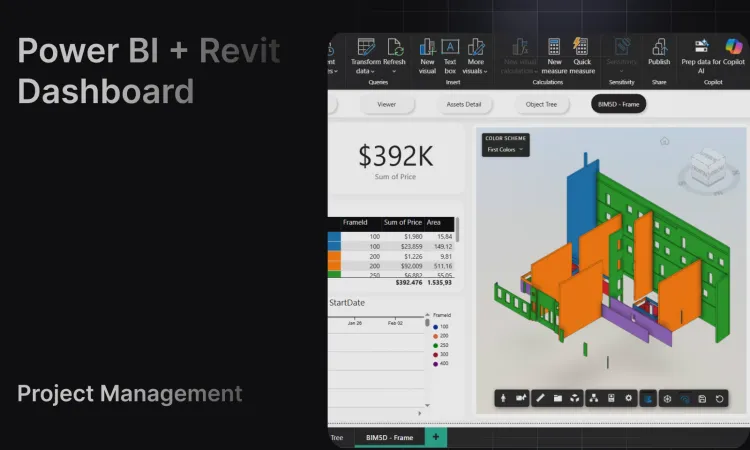
Complete guide to building Revit Power BI dashboards. Compare tools, learn best practices, and transform BIM model data into construction insights.

Transform your Revit models into powerful digital twins by connecting BIM data to Power BI. Create interactive 3D dashboards with Frame's ready-made templates.

Learn how to connect your BIM model to Excel using Frame's integration.
Connect your BIM model to Power BI and create interactive reports with Frame's templates.
Ask questions in plain language and get instant, accurate answers from your BIM models. Frame's AI democratizes BIM data for every project stakeholder.

Learn how Power BI revolutionizes construction management by transforming complex BIM data into visual, actionable insights for real-time project monitoring.
A step-by-step guide to configure your Autodesk Platform Services credentials with Frame
Discover why Frame is bridging the gap between BIM and business intelligence to help construction teams unlock measurable ROI from their digital investments.