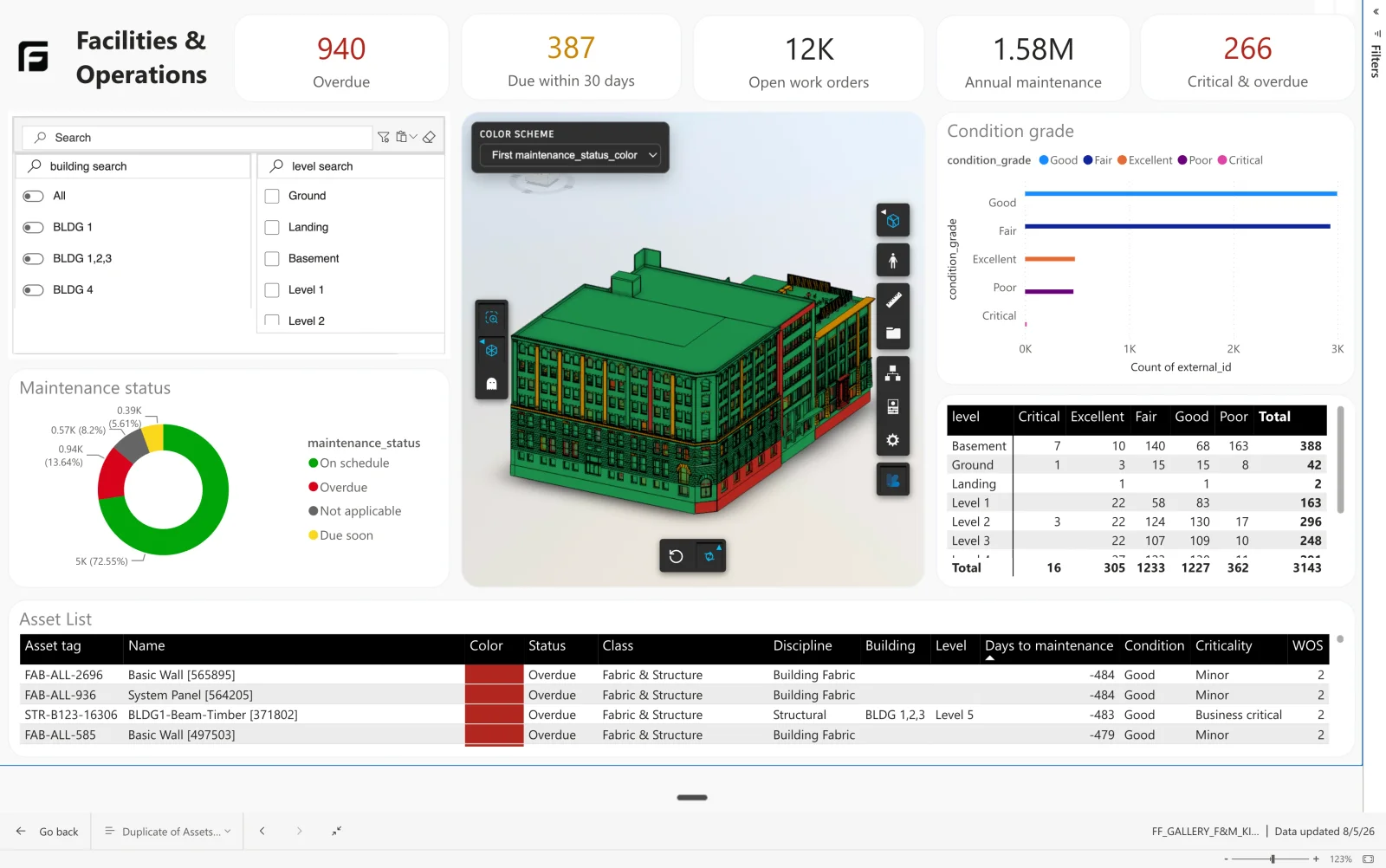
The handover model arrives complete and unusable: thousands of elements, no view of what operations actually has to maintain.
How it’s made
An asset register is a filtered, reshaped view of the model — which is exactly what the Starter template is for. Filter to the serviceable equipment, pull through the properties operations cares about, and pivot them into columns.
How Frame builds it
This one started as the Starter template
Joining your own maintenance data is the step that makes it operational: warranty dates, service intervals, asset tags. Keep the external ID through the join and every row still resolves to a piece of equipment you can find in the model.