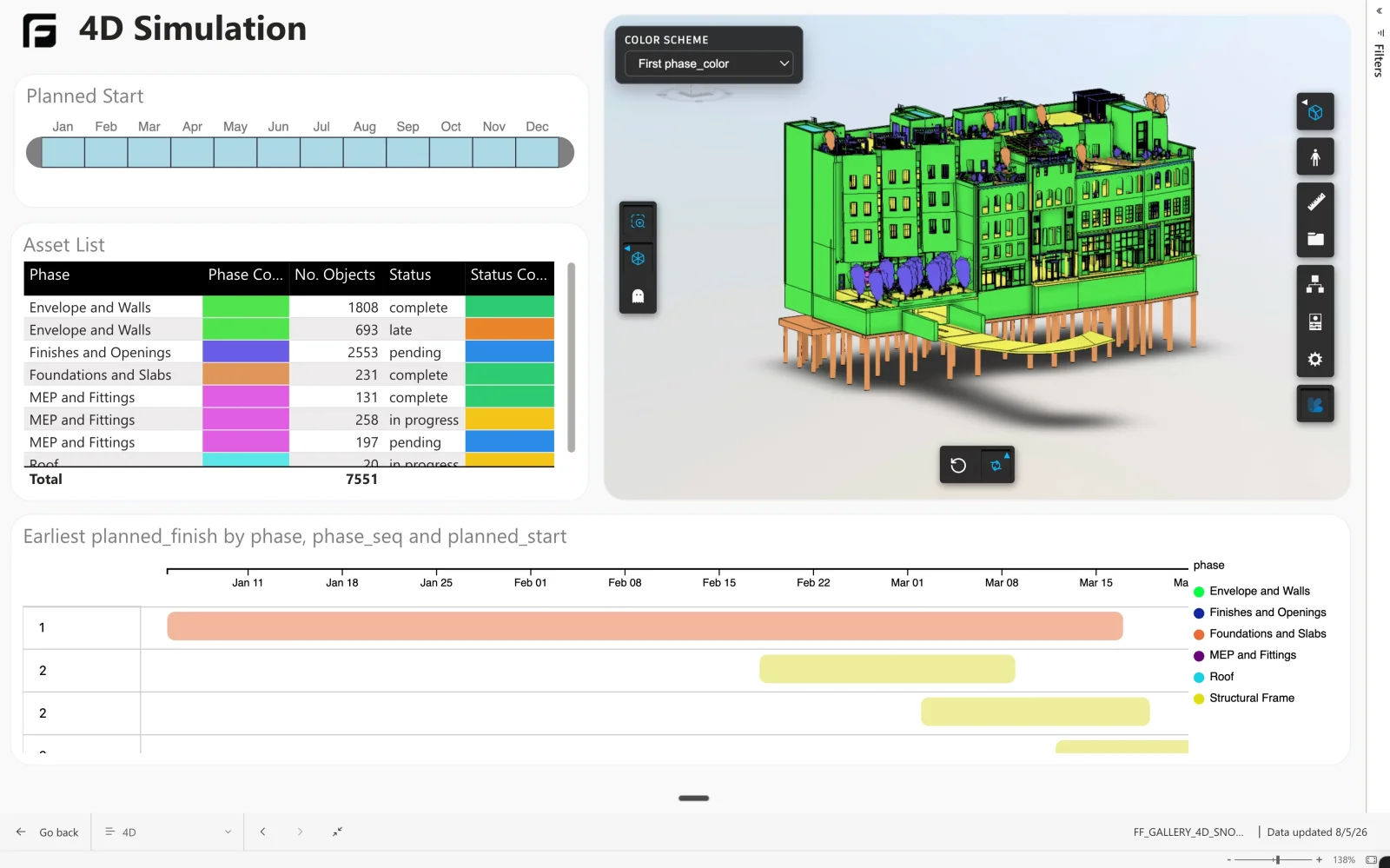
4D usually means a separate animation tool, a separate copy of the model, and a programme that has moved on since it was built.
How it’s made
This is the Starter template joined to your programme. The model data comes from Frame; the activity dates come from wherever you plan. The join key is the element’s external ID.
How Frame builds it
This one started as the Starter template
We built this one the second way: export the asset query, hand it to an AI assistant with the programme, and ask for the joined table — keeping the external ID. Planned against actual then reads as a normal Power BI report, with the elements behind any bar available in the viewer.