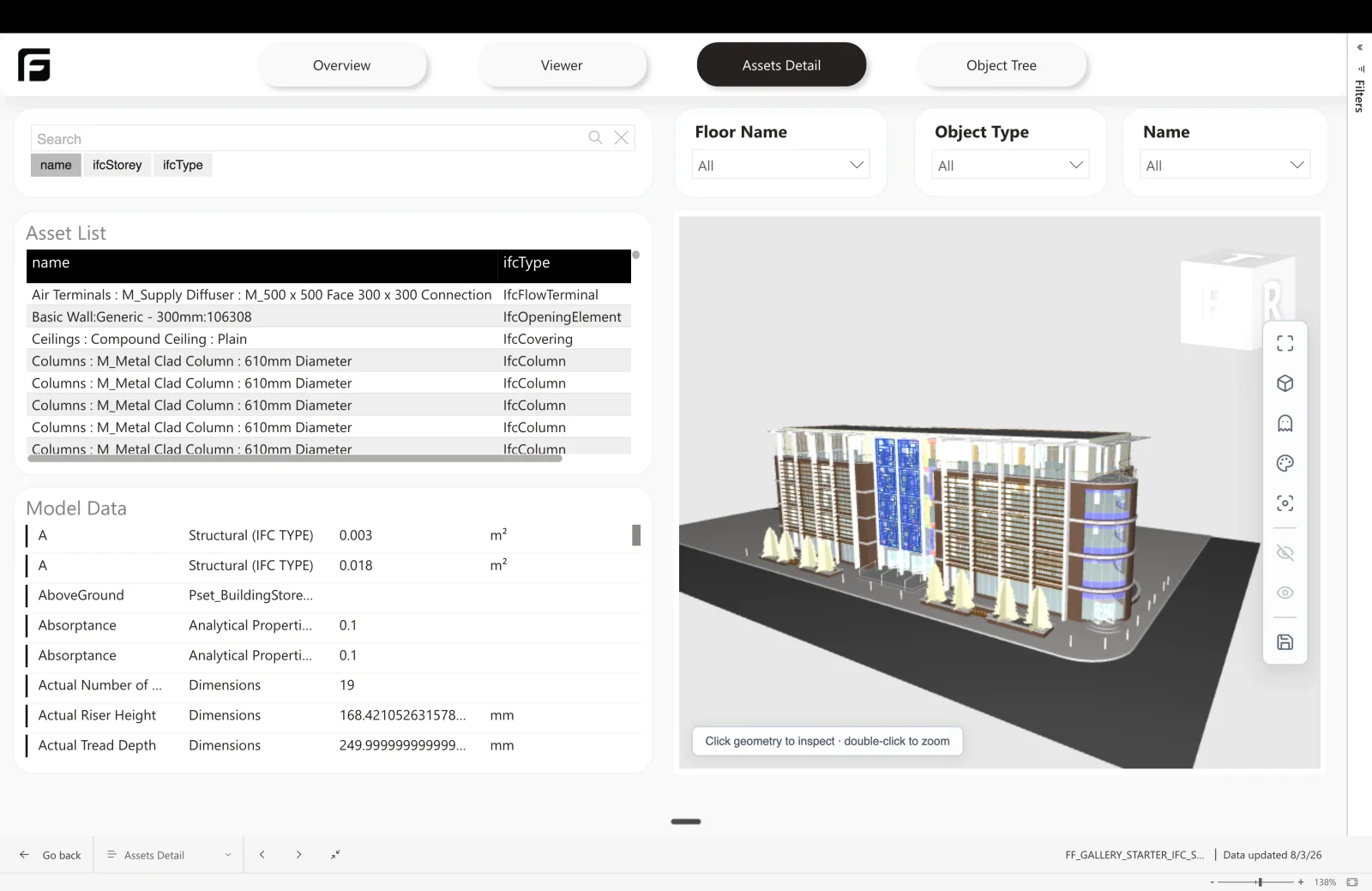
IFC Starter

IFC models, live in Power BI.

No Autodesk account, no translation queue, no lost storey context.

IFC is the format that survives the handover, and the one that usually loses the most on the way into a report: storey assignment disappears, types collapse into free text, and GlobalIds get dropped exactly when you need them.

How it’s made

Frame’s own engine reads the .ifc directly — no Autodesk account, no translation queue. If you already translate through APS, that route produces the same report.

How Frame builds it

Two ways in, one template

Your .ifc any exporter Frame engine no Autodesk account APS translation your own credentials One template same three tables
Frame's own engine needs no Autodesk account. If you already translate through APS, that path lands on the same three tables — so the report does not change.

Either way, IfcType and IfcBuildingStorey arrive as real columns rather than something you rebuild from naming conventions, and GlobalId comes through as the match key — which is what makes IFC the most dependable source for comparing versions.

Datasets in this report

FRAME_Assets
One row per IFC element with IFC type and building storey, enriched with GlobalId, Tag, PredefinedType, and ObjectType pulled from the IFC property sets.
FRAME_Properties
Every property set flattened to one row per element, property group, and property, with units separated out.
FRAME_Views
The model's viewables, for scoping a report to a single view.

Read more

Build reports that drive action

Discover the benefits of Frame today.