Federated reporting usually means one of two bad options: report on each model separately and reconcile by hand, or merge them and lose track of which model each number came from.
How it’s made
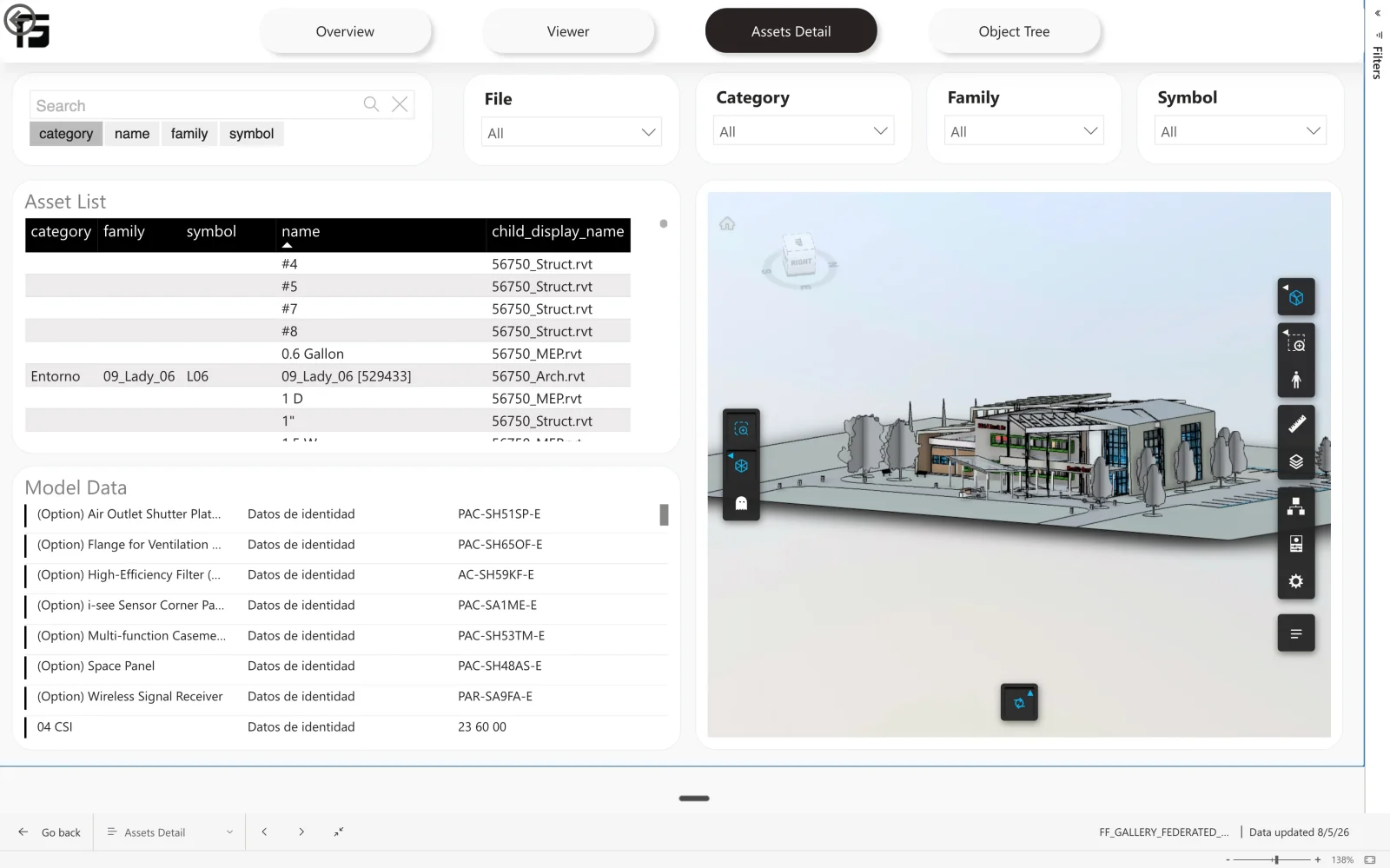
Connect an ACC Model Coordination view and Frame reports across the whole set. The asset table uses the union of the Revit, Navisworks, and IFC column sets, so a view mixing an architectural .rvt with a structural .ifc produces one coherent table rather than three incompatible ones.
How Frame builds it
Many models, one table, nothing anonymous
Every row carries its source model name, child version, seed version, and file type, so element counts by discipline and “which model contributed this total” stay answerable after the merge. Models in a view are updated on their own schedules, and because each row records its own version the report tells you which were current when it ran. Nothing is re-uploaded — ACC models are added by reference.