01
Upload the IFC
Drop in an .ifc file and pick the Frame engine. No Autodesk credentials, no exporter plugin, no translation workflow to set up first.
IFC to Power BI
Upload an .ifc file and get a Power BI report that still understands the model behind the numbers.
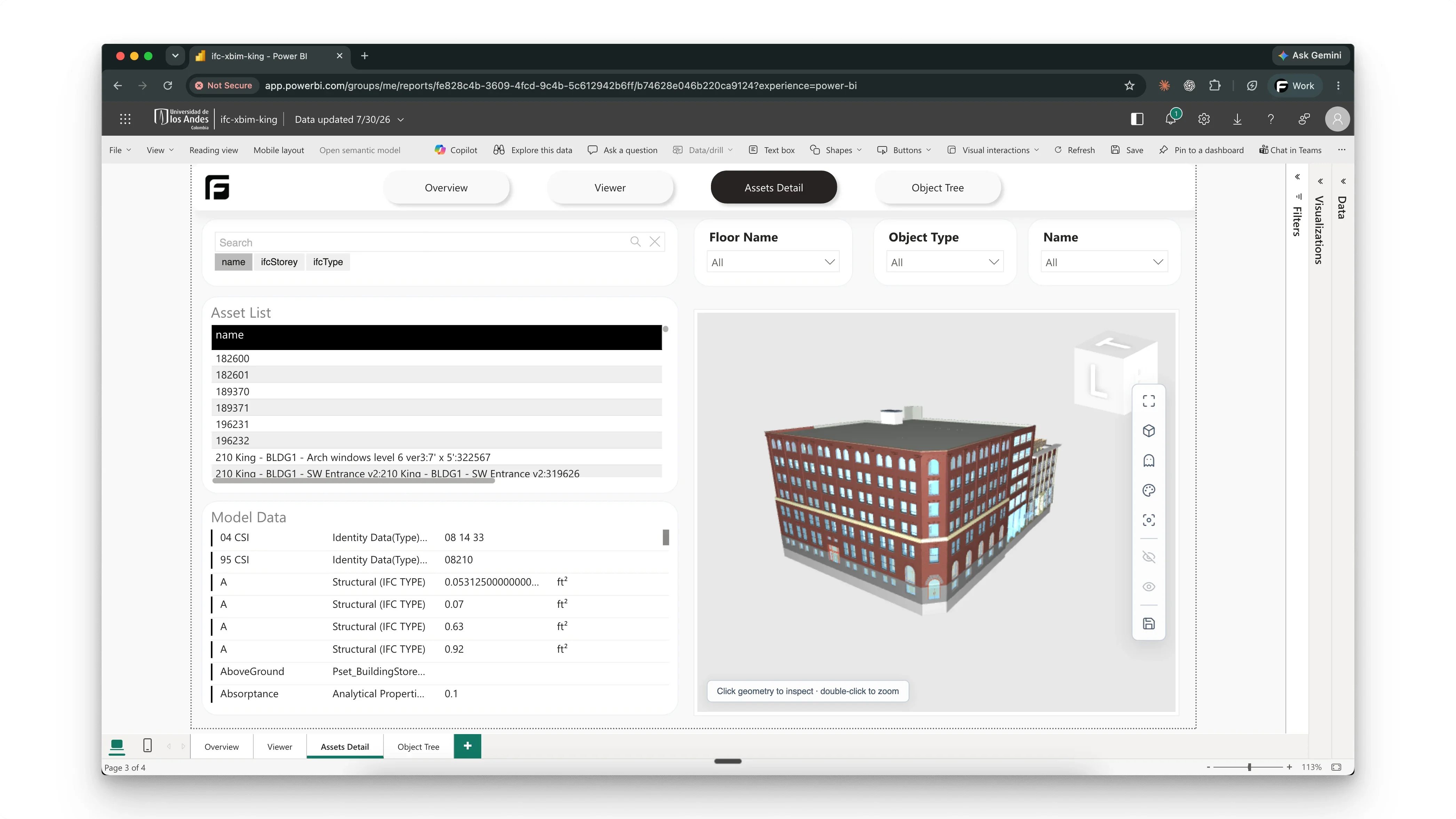
Drop in an .ifc file and pick the Frame engine. No Autodesk credentials, no exporter plugin, no translation workflow to set up first.
Frame processes the file into model data, report artifacts, and viewer context. Inspect the geometry, objects, and properties in the browser before you report on any of it.
Open the report template dialog for the model and choose the IFC Starter Template. It arrives with assets, properties, storey context, filters, and the Frame viewer already wired to your model.
The IFC starter template is one of several. The gallery has the rest.
Browse the report galleryWhat teams ask before they upload their first IFC file.
Upload the .ifc file, select the Frame engine, then open the IFC starter template from the model's report dialog. No manual export, no intermediate spreadsheet.
No. The Frame engine reads IFC directly, so models from ArchiCAD, Tekla, Allplan, or Vectorworks work without Autodesk credentials.
Model assets and properties, object categories, building-storey context, review filters, and a 3D viewer for checking the selected objects.
Yes. The Free plan includes one model slot, one Power BI report slot, the IFC starter template, and the Frame viewer, for IFC files processed by the Frame engine.